
Meta WhatsApp Flows
Design and publish Meta Flows JSON for structured data collection without leaving WhatsApp.
Application · Flows & Automations
BetaMeta WhatsApp Flows: interactive screens inside WhatsApp for forms, bookings, and guided journeys.
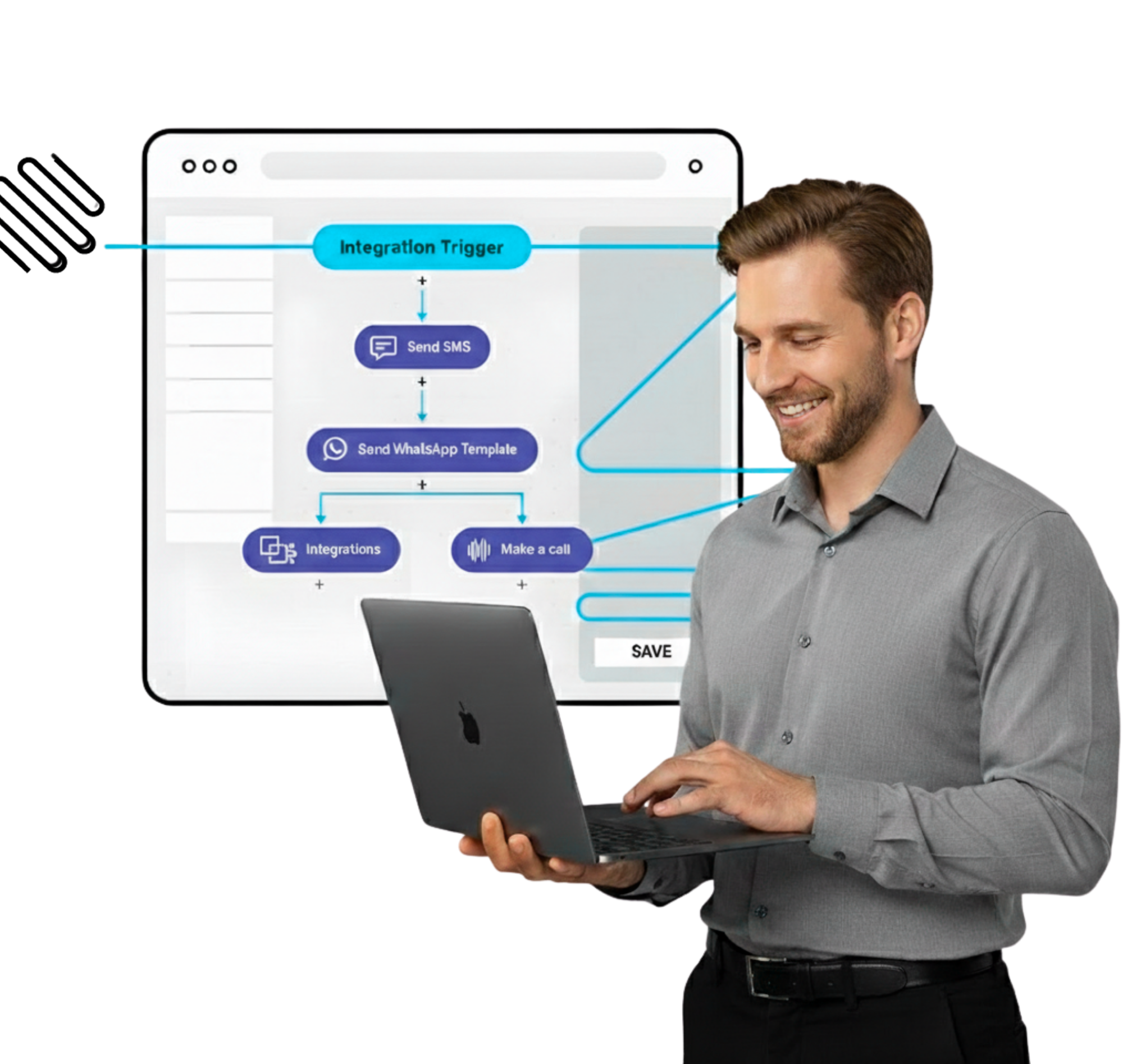
Engagive Automations: a visual workflow builder for triggers and actions — expanding in beta.
Clear split: Meta Flows ≠ Automations. We don’t conflate product names or readiness.
We keep the Flow Studio URL — and tell the truth: Meta WhatsApp Flows are live; Engagive Automations is beta and growing.
Design and publish Meta Flows JSON for structured data collection without leaving WhatsApp.
Collect preferences, bookings, and survey answers with Meta’s native Flow experience.
Manage Flow assets alongside your WhatsApp account, templates, and inbox in Engagive.
Visual, n8n-style workflows with triggers and actions across WhatsApp, AppChat, AI, and contacts — shipping phase by phase.
Automations follows a published build plan. Expect expanding canvas capability — not a claim of 100+ integrations today.
Automations reuses Engagive messaging, AI, contacts, and templates — it doesn’t reinvent the channel stack.
Choose the right building block for the journey.
Use Meta Flows when you need structured input — appointments, lead forms, preference capture — inside the chat.
As Automations expands, chain triggers and actions for follow-ups, alerts, and handoffs without custom glue code.
Pick Meta Flows for interactive WhatsApp UI; pick Automations when you need Engagive-owned workflow orchestration.
Book a demo for Meta WhatsApp Flows today — and get a clear view of Automations as it expands.